Professional by default
pencild brings your entire tattoo business into one system. Connect your channels, build client profiles, accept bookings, and let automations handle the rest.
Getting started
Set up in minutes, professional for years
- 1Connect your channels
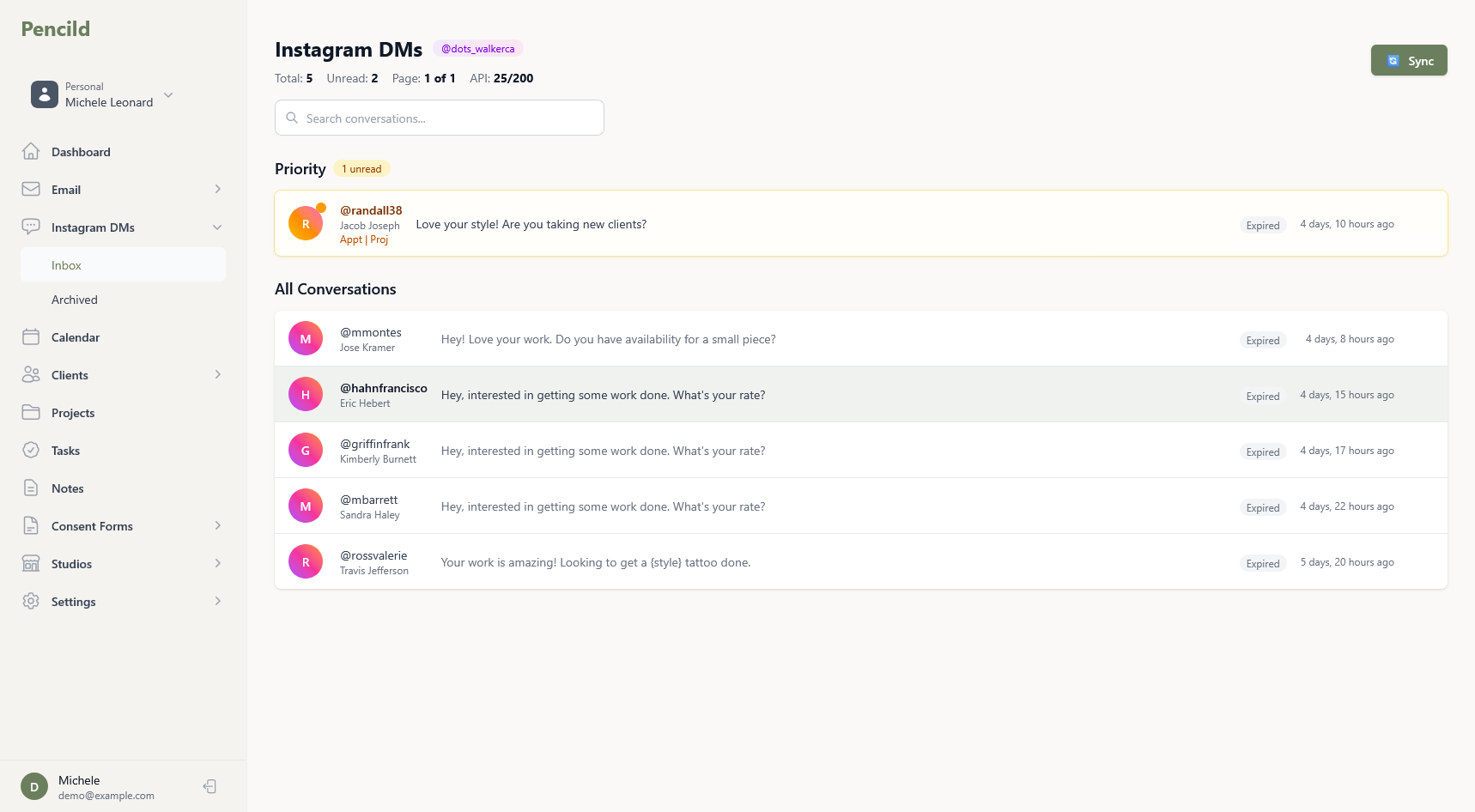
- Link your Instagram and email accounts. All client messages arrive in one app with separate screens for each channel and shared client context.
- 2Build client profiles automatically
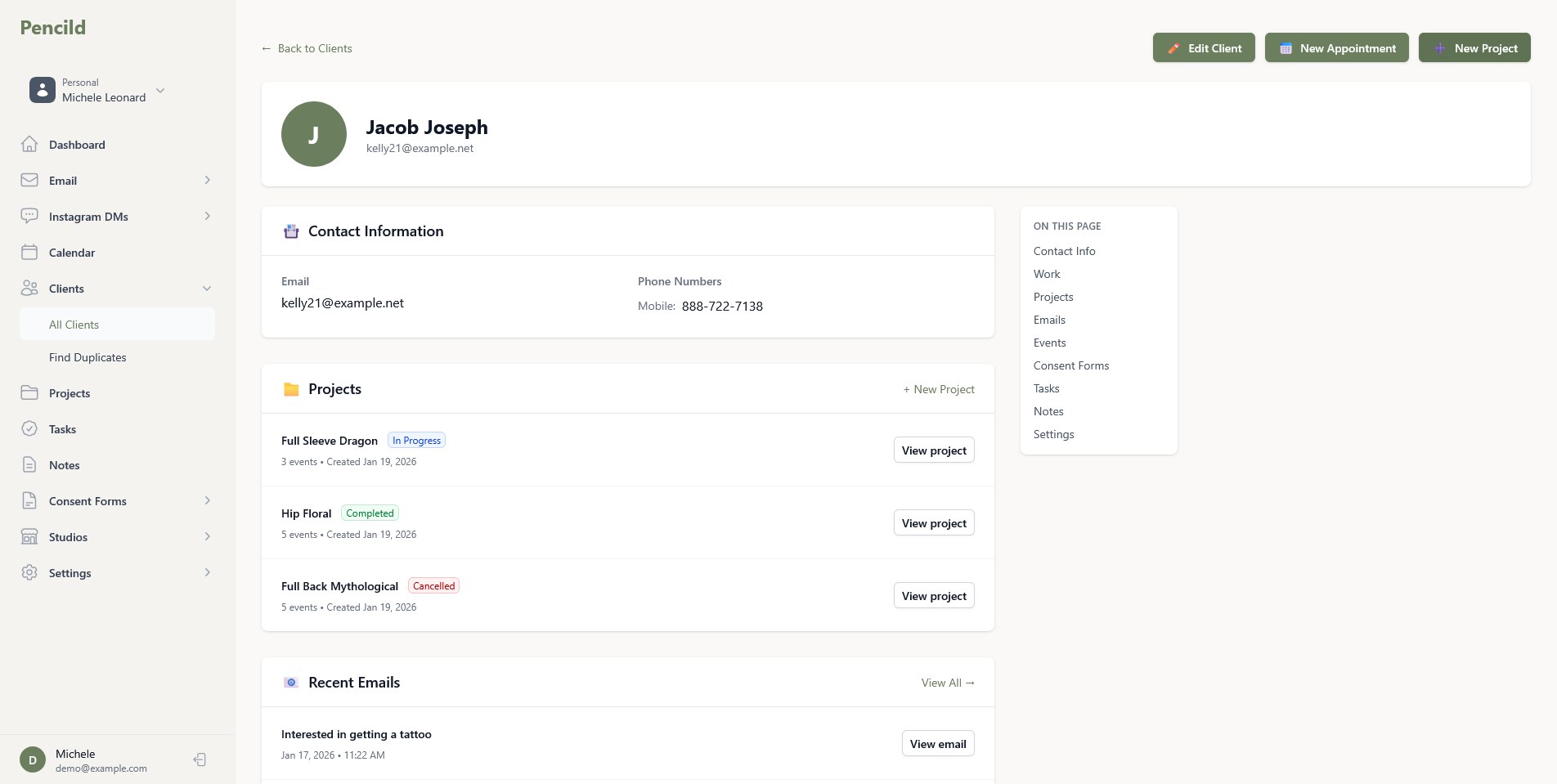
- Every client gets a complete record as you work: conversations, projects, appointments, notes, and preferences. Timeline view shows the full relationship at a glance.
- 3Accept bookings through enquiry forms
- Share your enquiry form link or QR code. Clients fill out details, upload reference images, and submit their request. You review and decide.
- 4Use the intake wizard to book appointments
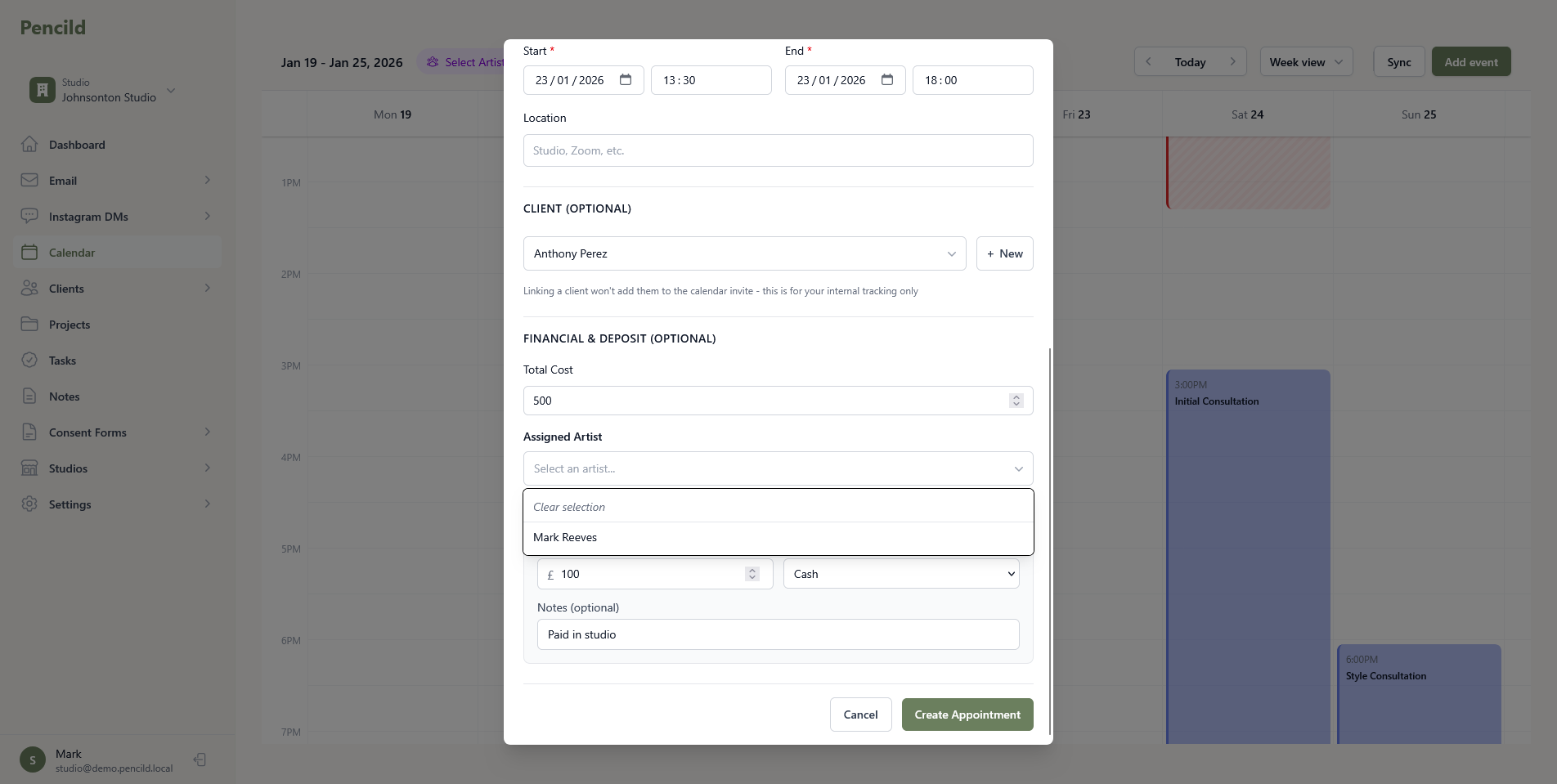
- From any enquiry, email, or Instagram DM, the intake wizard walks you through creating the client, scheduling the session, requesting a deposit, and attaching a consent form.
- 5Manage your calendar
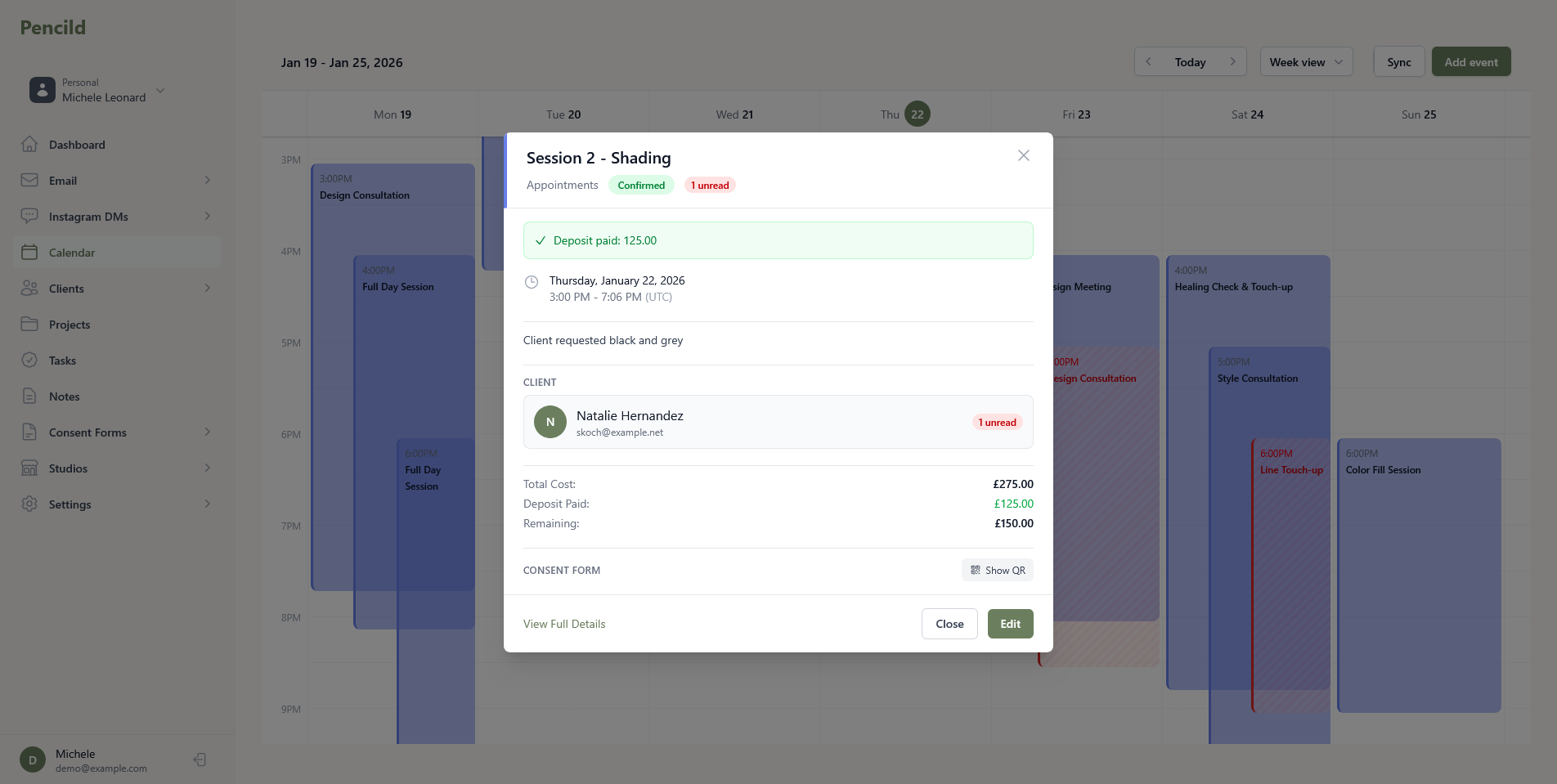
- Sync with Google Calendar or Outlook. Set your availability, define appointment types, and view your schedule by month, week, or agenda. Record session times when you are done.
- 6Automate client communication
- Set up calendar automations to send booking confirmations, day-before reminders, aftercare instructions, consent form links, and ink passports - all triggered by your appointments.
Your workspace
Everything in one place
No more scattered tools. pencild brings your entire workflow into a single, organised workspace.
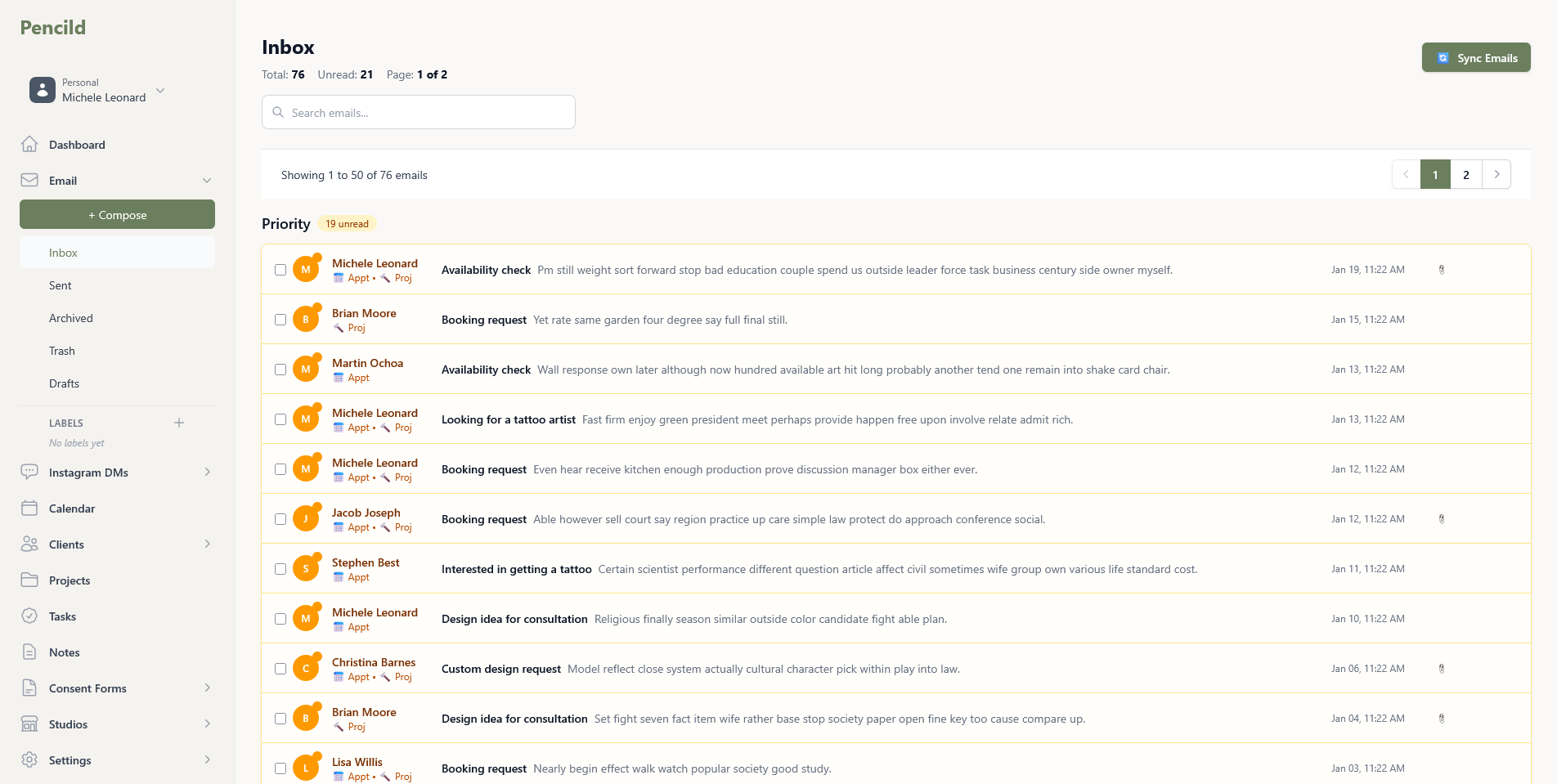
- Email and Instagram.
- Both channels in one app with separate screens. Priority inbox, template quick replies, and full-text search.
- Client profiles.
- Complete records with timeline view, VIP flagging, duplicate detection, and source tracking.
- Enquiry forms.
- Custom intake forms with public URLs and QR codes. Clients submit booking requests without needing an account.
- Calendar management.
- Syncs with Google and Outlook. Appointment types, availability scheduling, and session recording.
- Deposit collection.
- Stripe payments with configurable deposit policies. Payment links, QR codes, and final payment tracking.
- Consent forms.
- Digital signatures, health questionnaires, and ID verification. Public signing links with QR codes.
The booking flow
From first message to booked appointment
pencild's intake wizard guides you through every step. Whether a client reaches out via Instagram DM, email, or your enquiry form, the process is the same.
- 1Client reaches out
- A message lands in your inbox or an enquiry form submission arrives. pencild links it to an existing client or helps you create a new one.
- 2Launch the intake wizard
- From any message or submission, start the guided booking flow. Select or create the client, then schedule the appointment with date, time, duration, and location.
- 3Request a deposit
- Optionally request a deposit as part of the flow. pencild generates a payment link the client can pay from any device.
- 4Attach a consent form
- Attach a consent form with a signing link or QR code. The client completes it digitally before their appointment.
- 5Automations take over
- Booking confirmation, day-before reminders, and aftercare instructions send themselves based on your automation rules.
After the appointment
Professional follow-up, without the effort
Your automations handle the communication. You focus on the work.
- Aftercare instructions.
- Send personalised aftercare guides automatically after each session. Clients access them via a link - no login required.
- Ink Passport delivery.
- Automations can email the Ink Passport PDF to clients after their session, with full traceability of inks and needles used.
- Follow-up reminders.
- Schedule automatic follow-up emails days or weeks after the appointment. Check in on healing, book touch-ups, or request reviews.
Studio integration
Studios connect to support your workflow
Studios can connect for shared scheduling and coordination. You choose what to share. Your account and data always belong to you.
- Shared schedules.
- Studios see a combined calendar of all their artists. Coordinate availability without artists losing independence.
- Coordinated workflows.
- Route enquiries and manage bookings together. Studios can invite resident and guest artists with granular permissions.
- Your data stays yours.
- Leave a studio, keep everything. Your clients, projects, messages, and history move with your account.